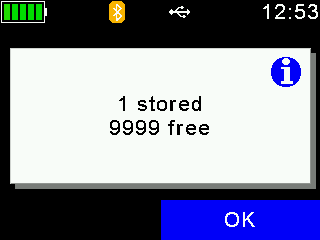
The Agrident / Allflex AWR range of devices can now be used to collect batch data offline and later sync with HerdApp on mobile over Bluetooth (BLE)
Agrident AWR configuration:
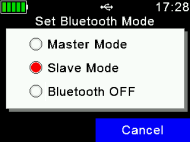
Press the blue button and enable slave mode.
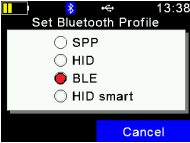
Press and hold the blue button and select "Set Bluetooth Profile"
Tag Groups:
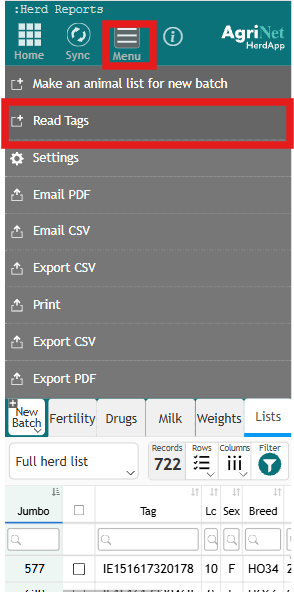
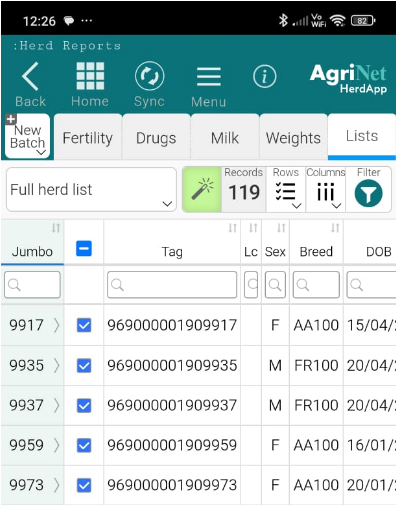
Tag Groups can be read off of the reader, from the View Full Heard List report screen.
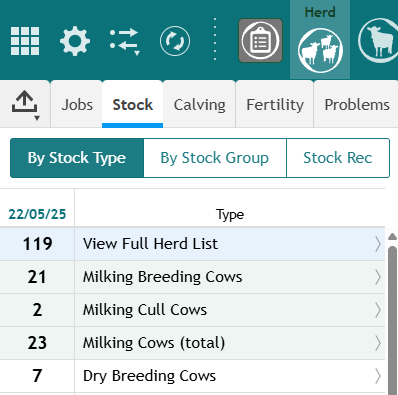
At the Top of the Screen there is a new Read Tags option in the Menu
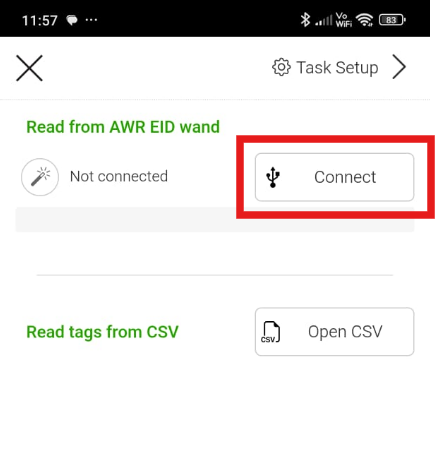
Click Connect
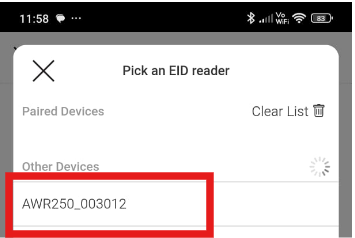
Select your device
Click Get Tag Groups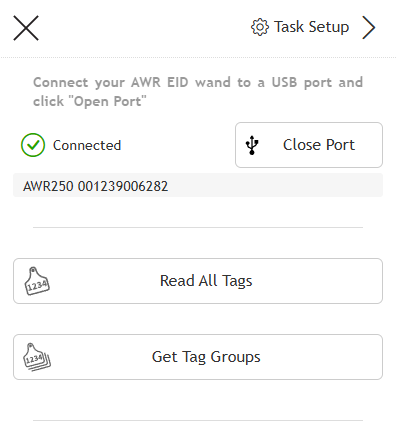
Select Your Group
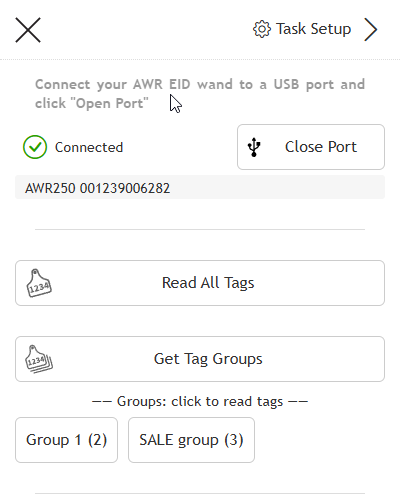 The Animals from the selected group will be checked and can be used for Batch events.
Tasks:
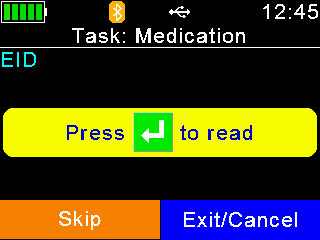
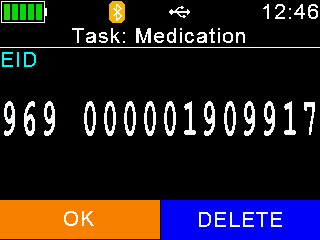
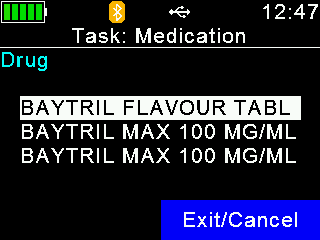
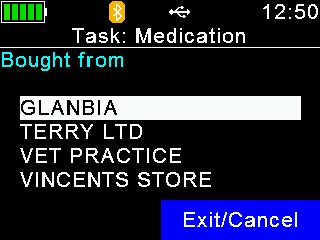
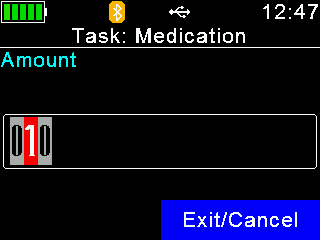
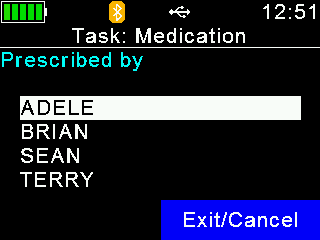
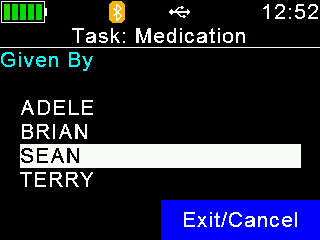
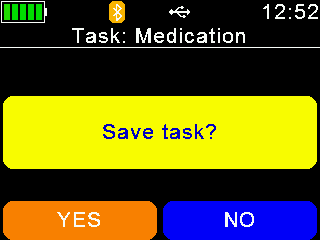
The AWR series wands also feature a Tasks Mode, we have created tasks to simplify weight and medication recording.
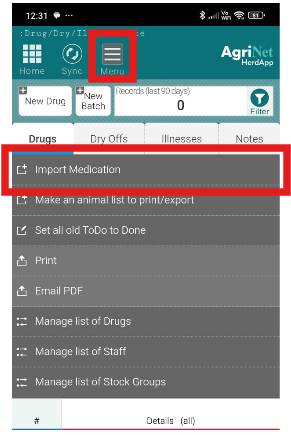
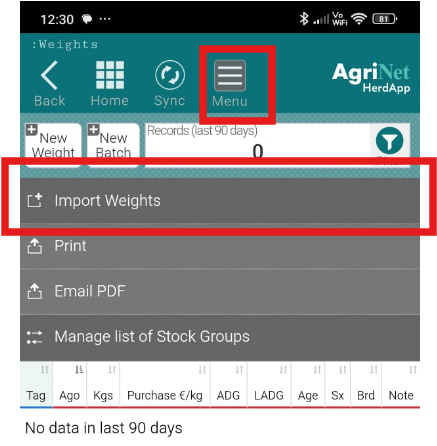
There are new import buttons on the Drugs and Weights screens
Tasks First need to be loaded onto the wand before data can be recorded.
After connecting the wand and opening the port click Task Setup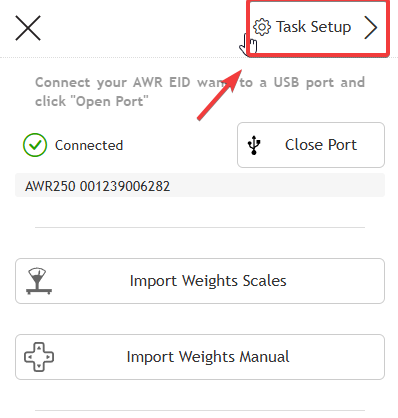
Select a Task to add to your wand.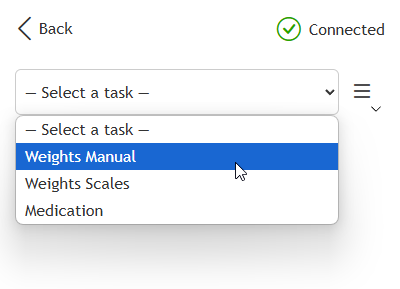
Some Tasks such as medications may need data sent to the wand also such as staff and medication lists.
Fields Marked in Red are Mandatory and must have some options available in order to upload data.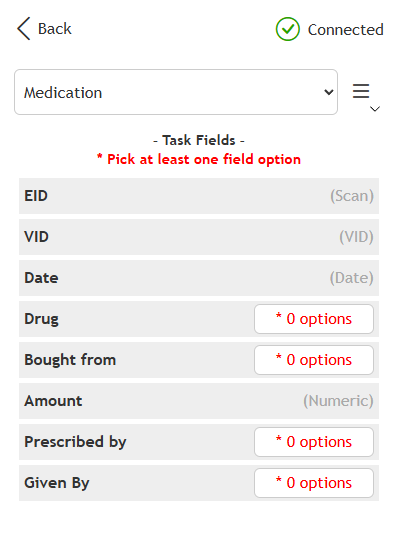 Drugs, supplier and staff lists are from those you've already stored in HerdApp.
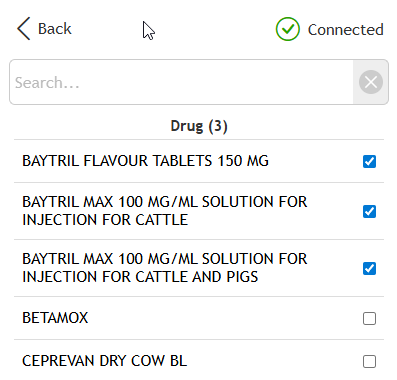 On the Wand a new Tasks menu will appear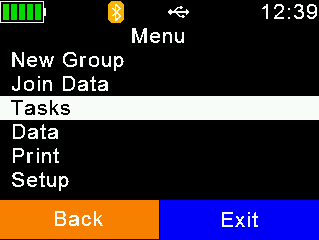
Select Task
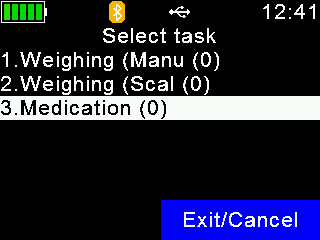
Or Choose Another Task if you don't see the list (Last used task displays by default)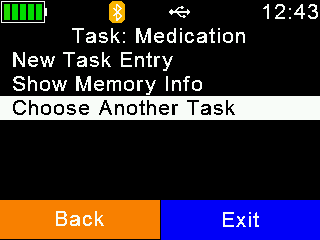
Then New Task Entry and follow the prompts.